Pairing a phone
A person can verify a sign-in with a code from an authenticator app instead of waiting
for a text message. Pairing is what connects one handset to one account, and it happens
once.
The protocol, the threat model and the parts that are not finished are in
Device-bound TOTP. This page is the shape of it.
What makes this different from an authenticator app you already have
A conventional authenticator enrollment puts the shared secret in the QR code. Whoever
photographs that code holds the second factor, permanently and invisibly, and so does
anything that can later read the app's storage.
Here the QR code carries a public key and a one-time token. The handset generates a
key inside its own secure element, agrees a secret with the service, and derives the
codes from that agreement. The secret is never transmitted in either direction, and on
the handset it is never stored — it is re-derived for each code and discarded.
What that buys, precisely: malware with full read access to the application's storage
finds a public key and an enrollment identifier, and can produce no codes. What it does
not buy is phishing resistance. A person who can be talked into reading a code aloud can
be talked into reading this one.
1. Scan the code
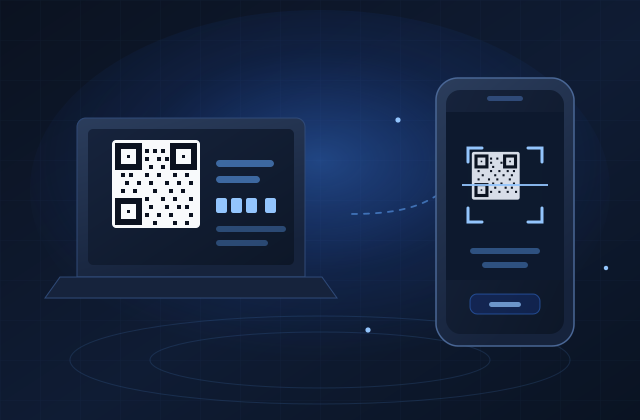
An administrator issues the code from the console, on the person's own page. It is live
for ten minutes, it works once, and it cannot be displayed again — issuing another
cancels the first, so a code left on a screen stops working the moment it is reissued.
Give it to the person at a screen they are standing at. Not over email or chat: for those
ten minutes, whoever holds it can pair their own handset.
2. The key stays on the phone
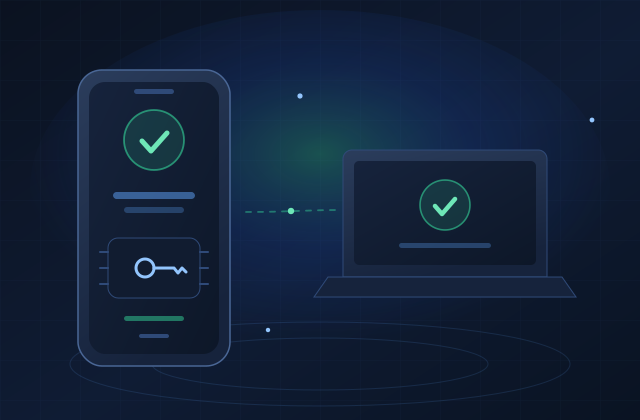
Scanning creates a key pair inside the Secure Enclave on an iPhone, or a
StrongBox-backed Keystore on Android. The private half is marked non-exportable: the
platform offers no way to read it out, so neither does the app.
The handset reports whether it really got hardware. That report is a **claim, not a
measurement** — proving it needs App Attest or Play Integrity, which this product does
not do — and the console shows it as a claim. A fleet showing software-backed keys is
worth investigating; one handset is not evidence of anything.
A person has one paired handset at a time. Moving to a new phone means removing the old
pairing first, deliberately and visibly, rather than a second one appearing quietly
beside it.
3. Read the code at sign-in
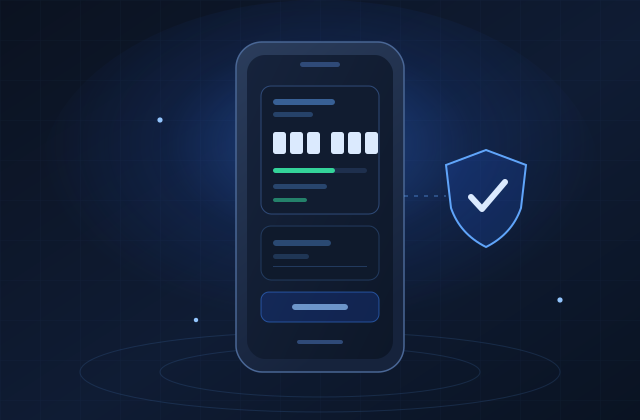
Six digits, a new one every thirty seconds, computed on the handset. No signal is
needed and no message is sent, so there is no gateway to be down and nothing to pay for
per sign-in.
Each code is accepted once. A TOTP code is valid for its whole window by
construction, so without that rule anybody who watched it being typed could reuse it for
up to a minute and a half. The service records the step each accepted code belonged to
and refuses it a second time.
If the handset is flat or lost, a text message remains available as a fallback on the
same sign-in, and spends the same allowance of attempts.
What is built, and what is not
| Issue a pairing code from the console | Yes |
| Pair a handset and derive matching keys | Yes |
| Verify a code and sign the decision | Yes |
| A Windows sign-in screen asking for the code | Not yet |
| A pairing code shown on the sign-in screen | Not yet |
The service side is complete and tested. What does not exist is a credential provider
that prompts for an authenticator code, so every sign-in today still uses SMS — which
is the designed behaviour while that is true, not a fault. The service only answers
require_totp to an endpoint that advertised support for it, and no released endpoint
does.
Pairing from the sign-in screen itself is designed and the service side is built. It is
gated on one rule worth knowing even before it ships: a pairing code is only issued on a
sign-in that has already been verified. A credential provider never checks a
password, so a tile that offered a code to anyone who typed a username would let a
passer-by bind their own handset to somebody else's account.